Web app or mobile app: which one for your business?
Your client adds the app to their home screen in one tap, without visiting a store. For most businesses, that’s all it takes.
5 min readFor most service businesses and internal tools, an installable web app is enough: it opens anywhere, adds to the phone’s home screen and updates for everyone at once. An App Store or Google Play app is mainly justified when you need deep access to the phone or need to be found in those stores.
The word “app” often brings the App Store to mind. Yet many tools you use every day are web apps. Here’s how to choose. See also our page on custom web apps.
Two ways to arrive on a phone
A web app opens in the browser, from a link. When installable, it adds to the home screen and opens full screen, like an app.
A mobile app is downloaded from the App Store or Google Play, and built for each system, or with a tool that covers both.
What your client experiences, in each case
| Question | Installable web app | Mobile app |
|---|---|---|
| How clients get it | A link, then “add to home screen” | A download from a store |
| Updates | Live for everyone, the same day | Submitted for approval, then downloaded |
| iPhone, Android, desktop | One app for all | Often two versions, plus desktop |
| Notifications | Possible on recent devices, once installed | Full |
| Phone access | Camera, location, files: often enough | Full |
| Being found | Through Google and your links | Also in app stores |
| Upkeep | One codebase to maintain | Several, plus store rules |
When a link is enough
- A client portal or a B2B space.
- An internal tool for your team.
- A service people log into to view, book, track or order.
That covers the vast majority of business projects.
When the app store matters
- A consumer product that must be found in app stores.
- Heavy use of the phone: sensors, long offline use, augmented reality.
- Notifications at the heart of the service, on every device, including older ones.
At Sweep
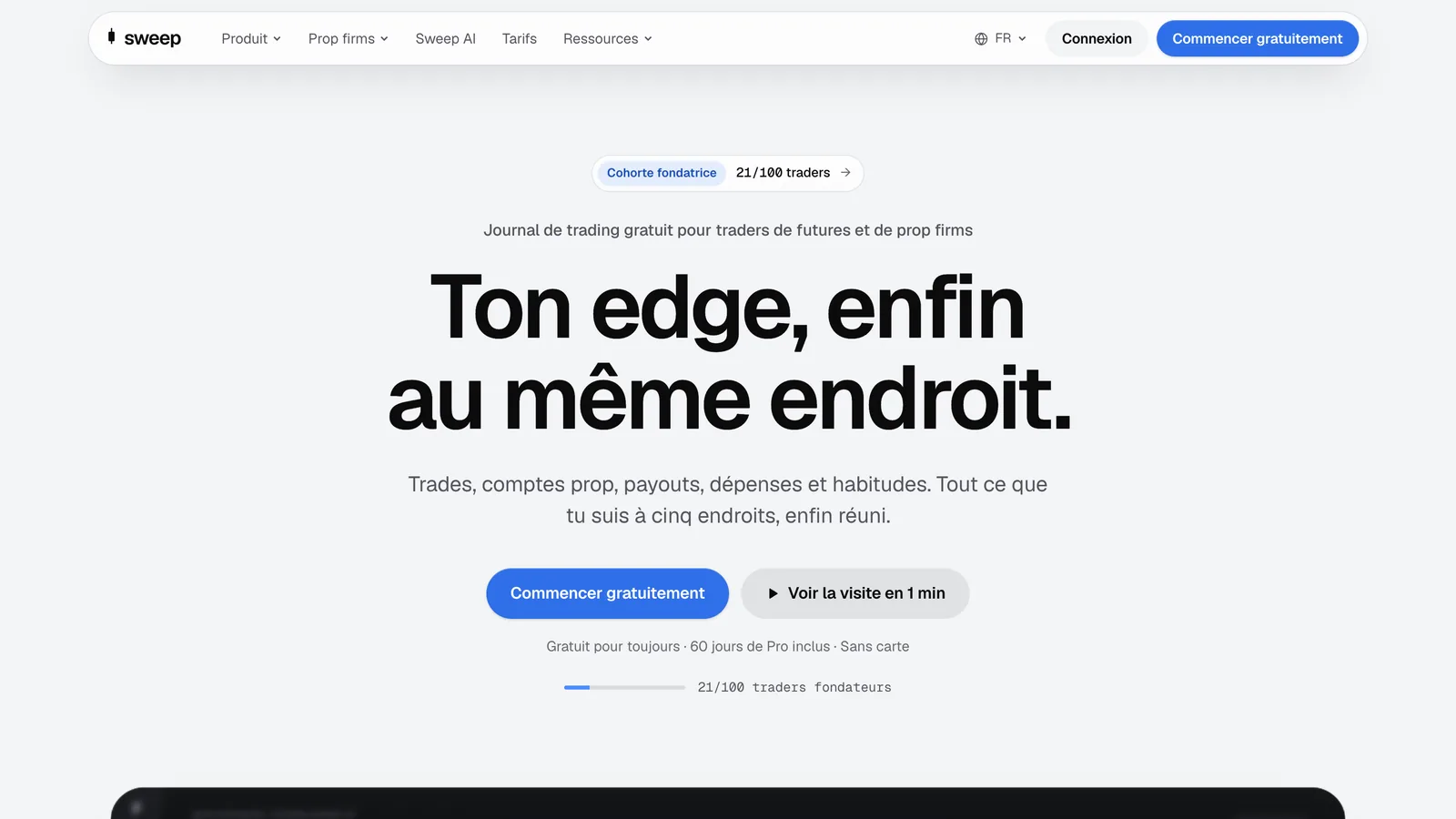
Sweep, a trading journal we built, is an installable web app: dashboards, an AI chat, automated emails and reports, all in one app that opens on desktop and phone alike. Sweep’s story
FAQ
Does a web app work offline? Partly. It can keep some content in memory, but it’s designed for connected use.
Do clients know how to install it? A short guide the first time is enough; after that, it opens like any app.
Can we move to a store app later? Yes. The design work and data can be reused.
The best tool is the one your clients open without thinking about it. Tell us about the one they’re waiting for.